Themes
Pick one from Theme ▾ in the header or at /settings; it applies instantly. Every theme works in light and dark mode.
| Theme | Files |
|---|---|
| Reddit Classic | ext/classic/styles/palette.css: --or-* colour variables |
| Windows XP | ext/xp/: styles/theme.css on top of vendored XP.css |
| GitHub | ext/github/: styles/theme.css, classic GitHub (2019) |
| Facebook Retro | ext/facebook-retro/: blue masthead, compact feed and pale blue panels |
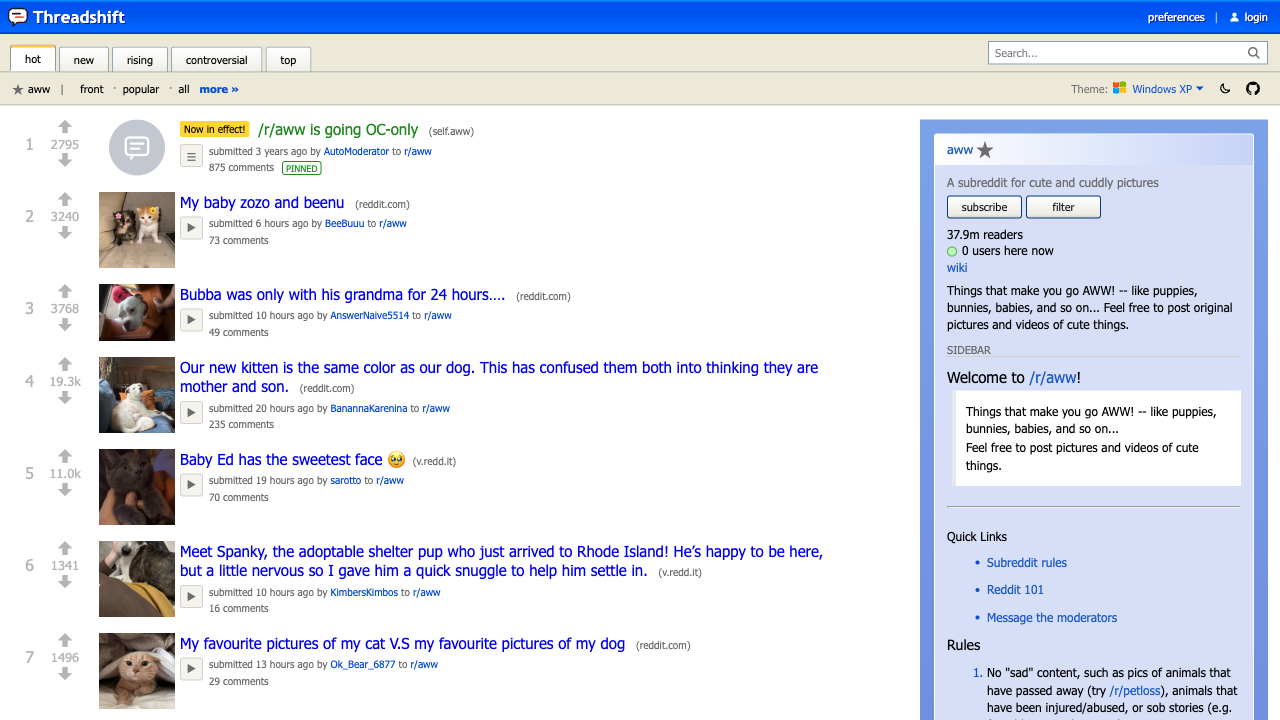 | 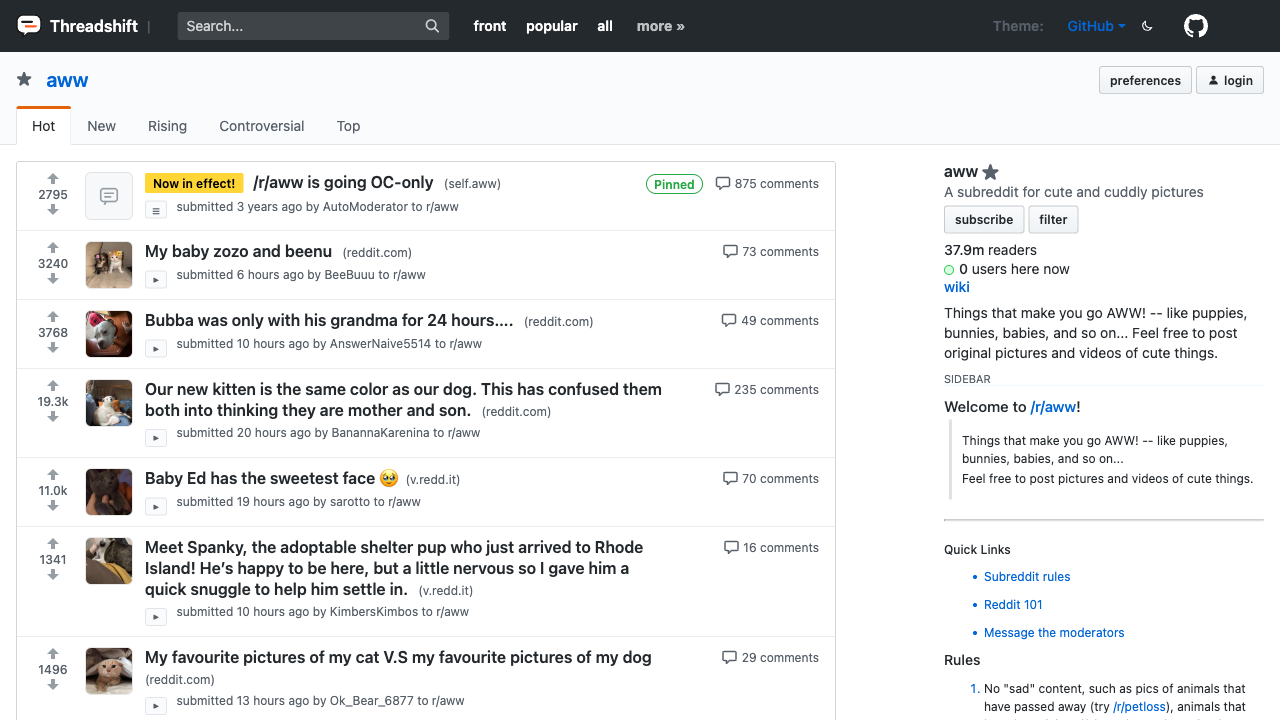 | 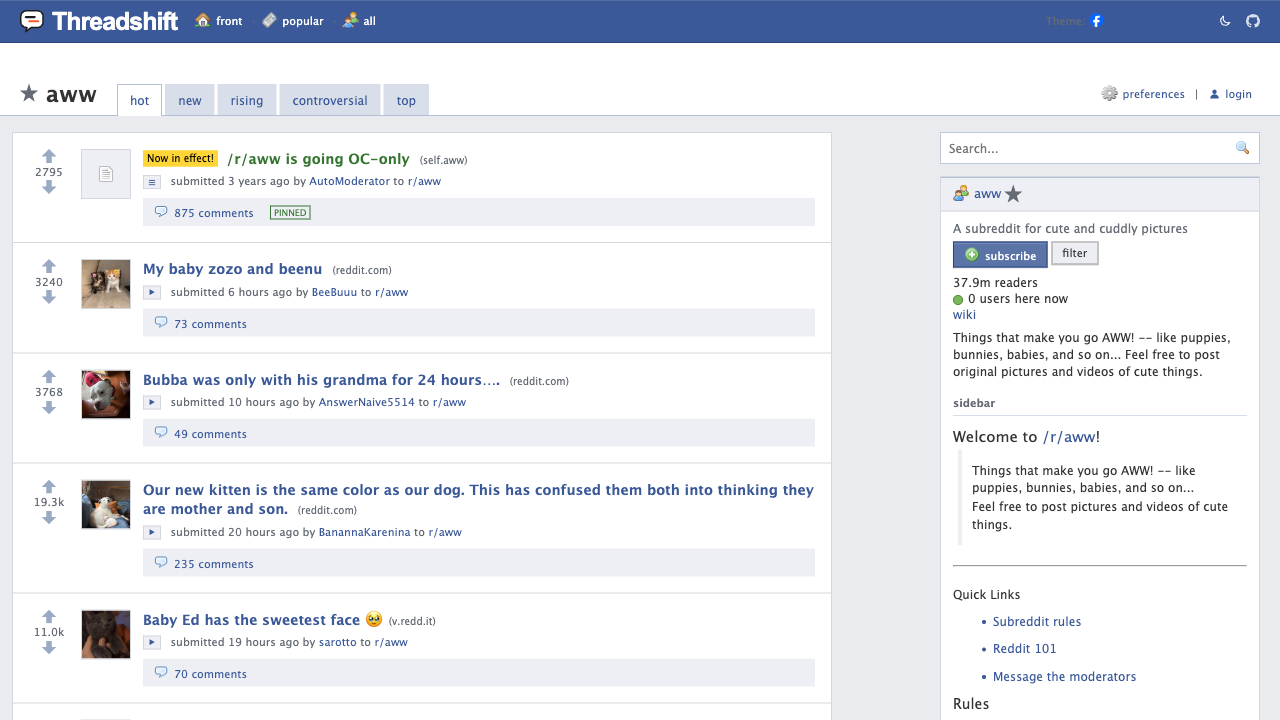 |
|---|---|---|
| Windows XP | GitHub | Facebook Retro |
Add your own
A theme is an extension with a theme = true setting.
-
Create
ext/mytheme/extension.toml:id = "mytheme"name = "My theme"description = "A warm paper palette."version = "1.0.0"redlib = "0.36"requires = ["classic"]styles = ["styles/theme.css"][[settings]]key = "mytheme"type = "bool"default = falsetheme = true # list it in the theme menuclass = "ts-mytheme" # set on <html> while it's activelabel = "My theme" -
Create
ext/mytheme/styles/theme.css, scoping every rule under that class:html.ts-mytheme body.oldreddit:not(#_) { --or-bg: #fdf6e3; --or-text: #333; --or-link: #268bd2; } -
Add
"mytheme"toextensions.tomland runmake local.
To make it the default for new visitors, set [ext.mytheme] mytheme = true in redlib.toml.